×

The Standard e-Paper
Kenya’s Boldest Voice
 The Standard Group Plc is a
multi-media organization with investments in media platforms spanning newspaper
print operations, television, radio broadcasting, digital and online services. The
Standard Group is recognized as a leading multi-media house in Kenya with a key
influence in matters of national and international interest.
The Standard Group Plc is a
multi-media organization with investments in media platforms spanning newspaper
print operations, television, radio broadcasting, digital and online services. The
Standard Group is recognized as a leading multi-media house in Kenya with a key
influence in matters of national and international interest.
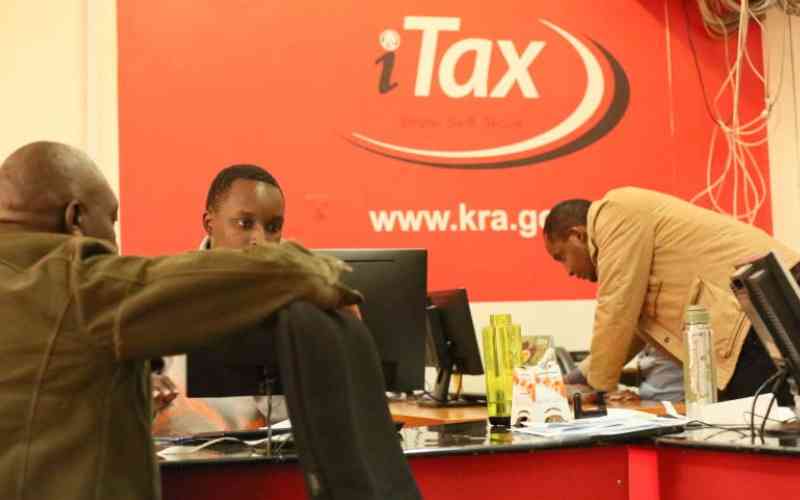
It is once again that time of the year when we are expected to file our tax returns. The deadline is fast approaching and below we have highlighted important steps to follow when filing returns.
Get your P9 form from your employer [A document that contains a summary of tax deductions made by your employer during that tax period. In this case 2023].
Open your browser and go to itax.kra.go.ke
Enter your KRA PIN/User ID and password
Answer the security question that follows then log in
Update your professional details appropriately and proceed
Go to Returns Menu and select 'FILE RETURNS' ITR For Employment Income Only
Select the tax obligation (Income Tax-Resident Individual) and click NEXT
Click to download the Income Tax Return form using the provided link
Enter your PIN, Type of return, return period FROM and return period to (01/01/2023 - 31/12/2023) and select yes under the insurance question
Go to sheet F and enter EMPLOYER PIN, NAME OF EMPLOYER, GROSS PAY, ALLOWANCES and BENEFITS from employment as per the P9 form
Go to sheet I and populate NHIF Details of the amounts paid in the year (2023)
Go to sheet M and select pin of the employer from the dropdown menu, enter name of the employer, taxable salary, tax payable on taxable salary (chargeable pay) and amount of tax deducted as per the P9 form
Go to sheet T 'Tax Computation' and the figure as is on your P9 form. Enter your personal relief (where applicable) and confirm you are not owed any amounts
Once you have confirmed the details you have entered match what is on the P9 form, validate and generate the upload file
The file will be saved automatically
Enter the return period if filing for the first time
Upload the form by choosing the zip file, agree to the terms and submit
Download the receipt that will be generated
Subscribe to our newsletter and stay updated on the latest developments and special offers!


 Prefer the Standard on Google









 join
join